Duckwalk
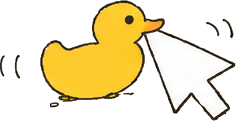
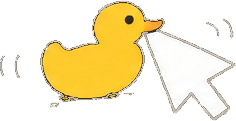
Harold, a rubber debugging duck on your Flipper, keeps your computer awake while you step away.
USBBluetoothNothing to install
Arrow keys work too. Hold OK to quack.
Not just a jiggler
Three ways to walk
Move your mouse over the screen, or touch it: Harold lets go.
Install
- Get
duckwalk.fapfrom the releases, or from the Flipper app once it's listed. - Copy it to
apps/USB/on the SD card with qFlipper. - Open it, pick USB or Bluetooth, and walk away.
Official firmware 1.5 or newer. The optional Windows helper lets Harold know when you're back.